Video podcasting
How to start a YouTube podcast, step by step
By the team at The Cast Studio · Updated · 5 min read
In short
To start a YouTube podcast, define a show for a specific viewer, record conversations on two or three cameras with clean audio, edit with multicam cuts, and publish each full episode with a clear title, a thumbnail and chapters inside a podcast playlist. Then post short clips from every episode and keep a steady schedule.
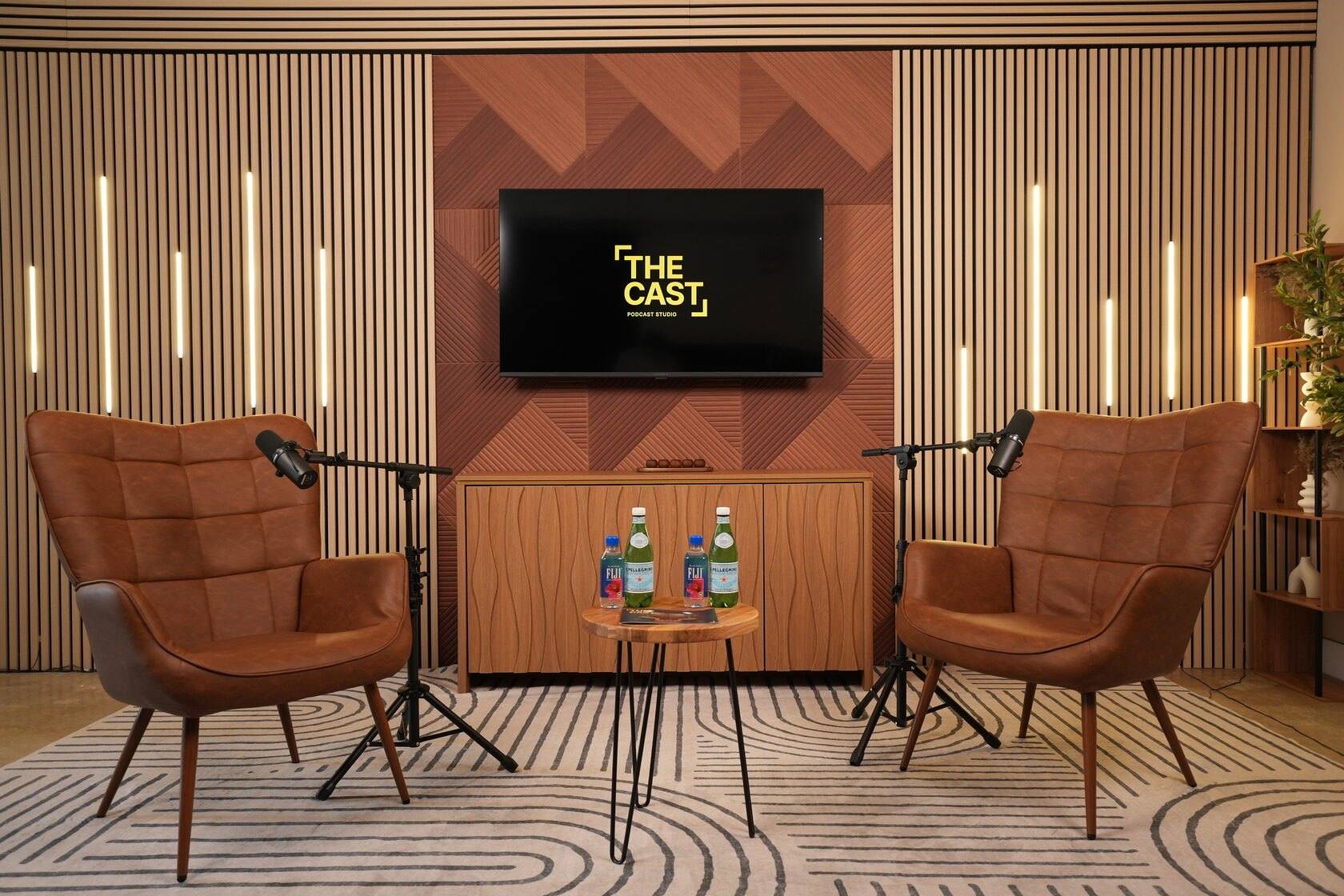
A YouTube podcast is a conversation people can watch as well as hear, published where viewers already search for answers. Starting one is less about equipment than about a clear show, solid audio and good packaging. Here is the full process, step by step, from the idea to a steady weekly schedule.
What makes a YouTube podcast different from an audio podcast?
A YouTube podcast has to work as a video: viewers see your faces, your set and every cut, and they decide whether to click from a title and a thumbnail. An audio show lives in podcast apps and is judged by sound alone. Many shows do both from the same recording; our comparison of video and audio podcasts covers when each format makes sense.
What are the steps to start a YouTube podcast?
Starting a YouTube podcast takes eight steps, from defining the show to posting clips on a schedule. The table shows what you do at each one, and each step is explained below.
| Step | What you do | Main time or cost driver |
|---|---|---|
| 1. Define the show | Audience, promise, format, schedule | Thinking time |
| 2. Plan episodes | Outlines, guests, questions | Preparation per episode |
| 3. Set up cameras and sound | One to three angles, microphones, light | Equipment or studio time |
| 4. Record | Batch several episodes per session | Studio hours |
| 5. Edit for YouTube | Multicam cuts, hook, titles, captions | Editing hours |
| 6. Package each episode | Title, thumbnail, description, chapters | Design and writing time |
| 7. Publish as a podcast | Playlist set as a podcast, audio feed | Setup once |
| 8. Clips and schedule | Short clips, consistent release day | Ongoing editing |
Step 1: Define the show
Write down who the show is for, what they get from it and how often you publish. A show for "anyone who likes food" is hard to find and hard to grow; a show where South Florida restaurant owners share the numbers behind their menus, published every Tuesday, is easy to describe and easy to recommend.
Decide the format too: interviews, solo episodes, a co-hosted conversation or a panel. Choose one you can repeat for months. If you need ideas, our list of 60 podcast ideas is a good place to start.
Step 2: Plan your first episodes
Plan at least five episodes before you record the first one. For each, write a one-line promise, an outline with rough timings and the guest's three main questions. Our podcast script template has outlines for interview, solo and co-host episodes.
Batch the recording if you can: three or four episodes in one session saves setup time and gives you a buffer for weeks when life gets busy.
Step 3: Set up cameras and sound
Get the sound right first, then the picture. Viewers will tolerate a plain set; they leave when they cannot understand the speakers. Use a dedicated microphone for every person, keep a steady distance from it and record in a quiet room.
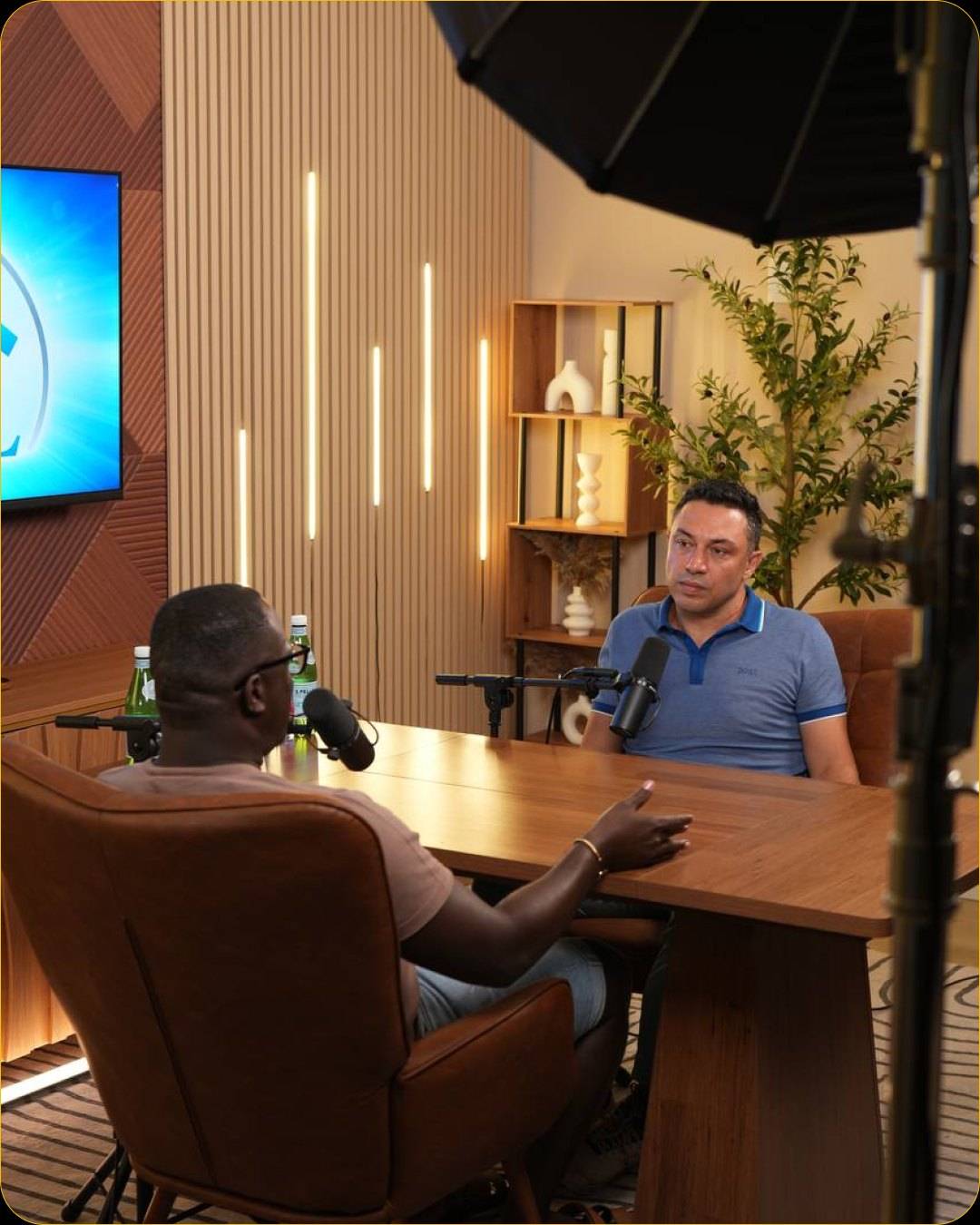
For the picture, one camera is enough for a solo show. For conversations, three angles (a wide shot and a close-up of each speaker) let the edit follow the conversation. Light every face from the front and slightly to the side, and light the background separately so people stand out. Our guides to podcast camera setup and podcast lighting go into detail.
Step 4: Record
Record in long, continuous takes, talk to each other rather than to the cameras, and leave a few seconds of silence before the intro and after the outro. Write down the time of strong moments as they happen; your editor will need them for clips.
You can record at home with your own gear or book a studio that provides the cameras, lights and sound. At The Cast Studio, the video podcast studio has three Sony 4K cameras, studio lighting and two Shure microphones with Cloudlifters and a Rodecaster Pro. With the Studio Recording packages, a full crew runs the session and raw files arrive within 24 hours.
Step 5: Edit for YouTube
Edit for attention: open with a hook, cut to the speaker who is talking, and remove what does not move the conversation forward. A YouTube edit can include:
- A cold open: the strongest 10 to 30 seconds of the episode, before the intro.
- Multicam cuts between the wide shot and the close-ups.
- Tightened pauses and removed false starts, without making the conversation feel rushed.
- Name titles and lower thirds so viewers know who is speaking.
- Clean, consistent audio at a steady volume.
- Captions, which help viewers who watch with the sound off.
If you would rather not edit, Studio Recording + Enhanced Edit at The Cast Studio delivers a finished 4K multicam edit with mastered audio, your logo, lower thirds and name titles. The podcast editing page explains what is included.
Step 6: Package each episode
On YouTube, the title and thumbnail decide whether anyone presses play. Treat them as part of the episode, not an afterthought:
- Title: promise the most interesting thing the episode delivers, in plain words. Put the guest's name in it if people search for them.
- Thumbnail: one or two faces with clear expressions, a few large words at most, and colors that stand out from the set. Studio Recording packages at The Cast Studio include thumbnail photos and guest photos.
- Description: two or three sentences on what viewers learn, then links, then timestamps.
- Chapters: add timestamps in the description, starting at 0:00, so viewers can jump to the part they want.
Step 7: Publish it as a podcast
Group your episodes into one playlist and, in YouTube Studio, set that playlist as a podcast, so the episodes appear together as a show. Keep titles and thumbnails consistent across episodes so the show is recognizable in the list.
If you also want listeners in podcast apps, send the audio track to a podcast hosting service, which publishes it through an RSS feed to apps such as Apple Podcasts and Spotify. One recording then serves both audiences.
Step 8: Post clips and keep a schedule
Clips bring new viewers to the full episodes. Cut three to six short moments from every episode, post vertical versions to short-form feeds and longer horizontal clips on YouTube, and link each one back to the full episode. Our guide to podcast clips includes a four-week posting plan.
Then publish on the same day each week or every two weeks. A schedule you can keep beats an ambitious one you abandon after a month.
How much does it cost to make a YouTube podcast in a studio?
At The Cast Studio, a session costs $199, $250 or $455 per hour, depending on the package, and studio time is usually the main cost of a video podcast if you do not own the equipment. Studio Essentials at $199 records one cinematic 4K angle, Studio Recording at $250 adds a full crew and three 4K angles with raw files within 24 hours, and Studio Recording + Enhanced Edit at $455 adds the finished multicam edit. For the wider market, see what a podcast studio costs in Fort Lauderdale.
Record your first YouTube episodes with a crew on three 4K angles: book a session, or see the six sets on a free tour.
Frequently asked questions
How do I start a podcast on YouTube?
Define the show and its audience, record your first episodes on camera with good audio, edit them with cuts between angles, and upload each one with a clear title, a thumbnail and chapters. In YouTube Studio, group the episodes in a playlist set as a podcast, and post short clips from each episode.
Do I need video for a podcast on YouTube?
Not strictly: you can publish audio with a still image. But a filmed conversation gives viewers faces and reactions to watch, gives you clips for short-form feeds and makes thumbnails easier, so recording on camera makes sense if YouTube is your main platform.
How many cameras does a YouTube podcast need?
One camera is enough for a solo show. For two people, three cameras work well: a wide shot of both and a close-up of each speaker, so the edit can always show who is talking. Panels need more close-ups or a wider shot that holds the group.
How long should a YouTube podcast episode be?
There is no ideal length. Make the episode as long as the conversation stays useful or entertaining, cut anything that drags, and add chapters so viewers can jump to the part they want. Short clips then carry the strongest moments to people who will not watch the whole thing.
How much does it cost to record a YouTube podcast in a studio?
At The Cast Studio in Fort Lauderdale, prices are per hour: $199 for one cinematic 4K angle, $250 for a full crew with three 4K angles and raw files within 24 hours, and $455 with a finished 4K multicam edit with your logo, lower thirds and name titles.
Written by the team at The Cast Studio, a podcast and video studio at 801 NE 2nd Ave, Ste 120, Fort Lauderdale, FL 33304. Facts and prices are checked on the date shown above. About the studio.