Video podcasting
How to turn one podcast episode into weeks of clips
By the team at The Cast Studio · Updated · 5 min read
In short
A good podcast clip is one complete idea: a hook in the first seconds, one point, a clear ending and captions. Plan clips while you record, cut three to six from each episode, and spread them across vertical shorts, longer horizontal clips, quote graphics and your newsletter over the following weeks.
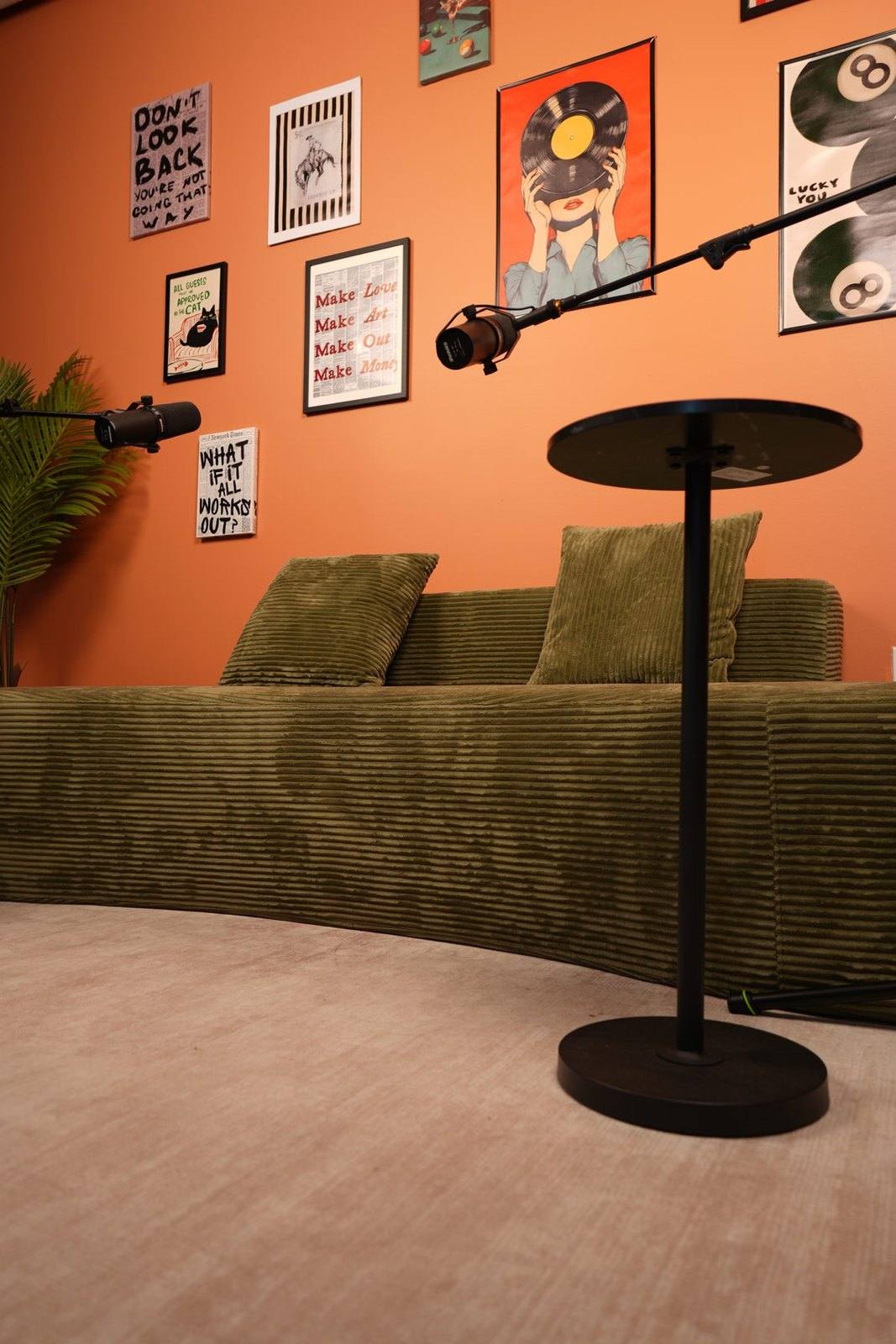
A single recorded conversation can feed your social channels for a month, if you plan for it. The trick is to treat clips as part of the recording, not an afterthought. Here is what makes a clip work, which formats to make, and a four-week plan built from one episode.
What makes a good podcast clip?
A good podcast clip makes sense to someone who has never heard of your show. It needs a hook, one idea, enough context to follow, and a clear ending, all in as little time as possible.
- A hook in the first seconds. Start with the most interesting sentence: a surprising number, a strong opinion or a question the viewer wants answered.
- One idea. A clip that tries to make three points makes none. Cut to the single point.
- Built-in context. The answer should repeat enough of the question to stand alone ("The biggest mistake first-time sellers make is...").
- A clear ending. Finish on a complete thought, not halfway through the next sentence.
- Captions. Plenty of people scroll with the sound off, so burn captions into short clips.
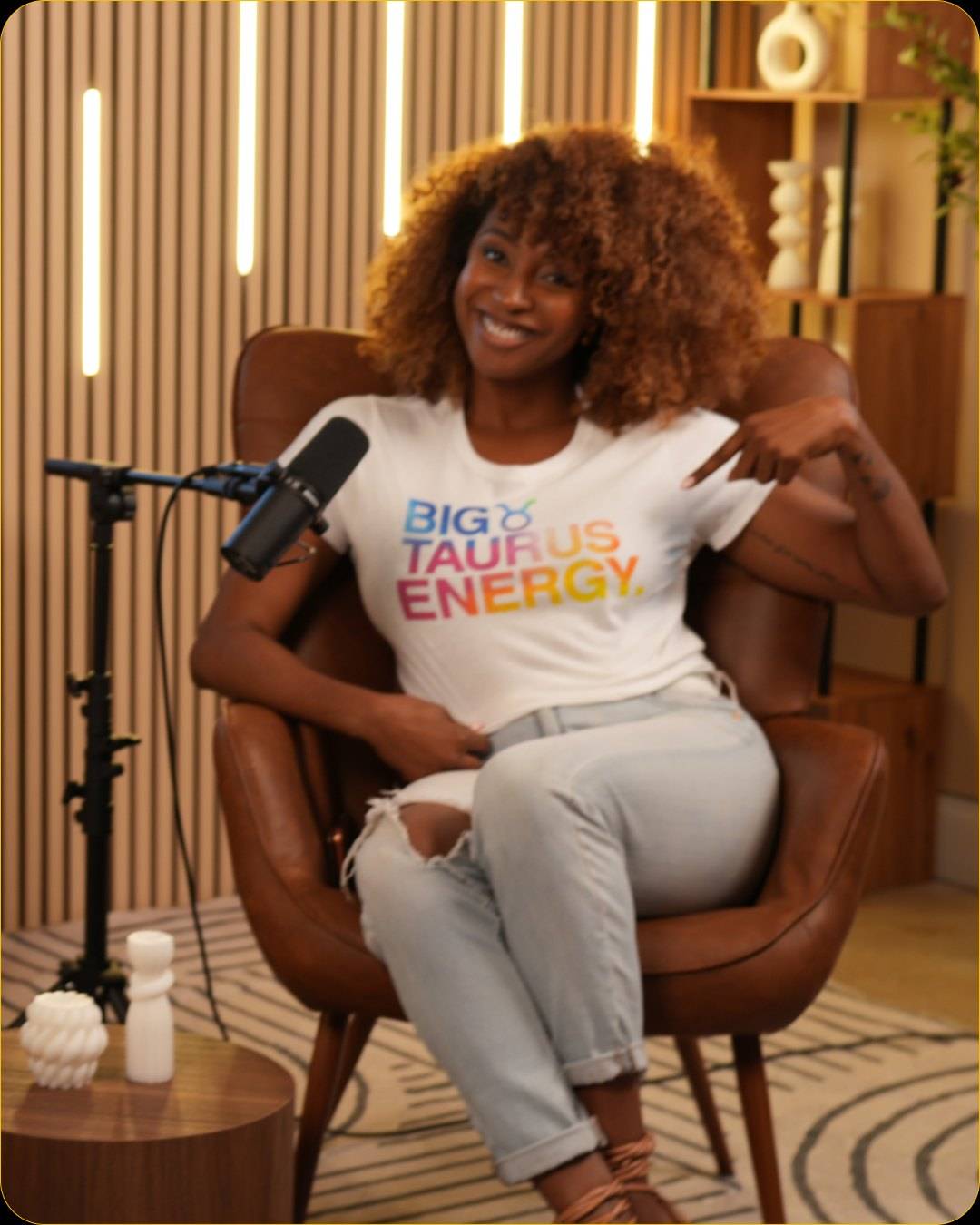
- A face on screen. Close-ups hold attention better than wide shots on a phone screen.
Which clip formats should you make?
Make a few formats from the same moments, each sized for where it will be seen. One strong answer can become a vertical short, a longer horizontal clip and a quote graphic.
| Format | Suggested length | Where it goes | Cut from |
|---|---|---|---|
| Vertical short | Under a minute | TikTok, Instagram Reels, YouTube Shorts | The close-up angle, cropped to vertical |
| Horizontal clip | Two to eight minutes | YouTube, LinkedIn | The multicam edit of one full answer |
| Quote graphic | One sentence | Instagram, LinkedIn | A guest photo plus the quote |
| Audiogram | 30 to 60 seconds | Podcast promos, audio-first audiences | The audio track with captions |
| Newsletter or blog section | 300 to 600 words | Email, your website | The edited transcript of one answer |
| Behind the scenes | 15 to 30 seconds | Stories | Setup and studio footage |
How do you plan clips while you record?
Plan clip moments before the session and give them room during it. Clips cut from a conversation that was never designed for them tend to need a lot of explaining.
- Write three to five clip questions into your outline: questions with a short, strong answer your audience cares about. Our podcast interview questions include a rapid-fire round that produces short answers.
- Ask guests for a one-sentence version after a long answer: "If you had to put that in one line?"
- Repeat the question in the answer. Ask hosts and guests to restate the topic in their first sentence.
- Avoid references that break context, such as "like I said earlier" or "as you can see."
- Note the time when a strong moment happens, so your editor can find it in seconds.
- Record a few lines straight to camera at the end: a channel intro and a 20-second summary of the episode.
Framing matters too. For clean vertical crops, the close-up angles need some space above the head and the speaker roughly in the center. Our guide to podcast camera setup covers angles and framing.
What does a four-week plan from one episode look like?
Spread the clips out instead of posting everything on release day. A single episode can carry a month like this:
| Week | What to post |
|---|---|
| 1 | Full episode on YouTube and podcast apps; a vertical teaser with the strongest hook; a behind-the-scenes story |
| 2 | Two vertical shorts with different ideas; one quote graphic with the guest's photo |
| 3 | A longer horizontal clip of the strongest answer on YouTube and LinkedIn; a newsletter section from the transcript |
| 4 | One more vertical short; an audiogram for listeners in podcast apps; a recap post that links to the full episode |
Each post should point back to the full episode. If your guest posts the clips too, send them the files and captions the same day.
How do you cut clips from studio footage?
Start from the raw files, find the moments, cut them from the close-up angle, add captions and export a vertical and a horizontal version. A transcript helps: search it for the moments you noted.
At The Cast Studio, the packages give you the material for this:
- Studio Recording ($250 per hour): three 4K angles, so you have more than one framing to crop from, with raw files delivered within 24 hours and stored for 14 days. Download them promptly for your editor.
- Studio Recording + Enhanced Edit ($455 per hour): a finished 4K multicam episode with mastered audio, your logo, lower thirds and name titles, ready for YouTube and for cutting horizontal clips.
- Photos: both Studio Recording packages include thumbnail photos, guest photos and behind-the-scenes photos and videos, which cover your quote graphics and stories.
Clips themselves are not part of the published packages. You can cut them yourself, hand the raw files to your editor, or ask the team what is possible when you book. The podcast editing page explains what the Enhanced Edit includes, and the content creation studio page covers recording several pieces in one booking.
What clip mistakes should you avoid?
Most weak clips fail in the first seconds or at the end. Watch for these:
- A slow start. Cut the "so, um, yeah" and begin with the point.
- A wide shot on a phone. Small faces in a wide frame get scrolled past.
- No captions. Viewers with the sound off never hear the hook.
- Missing context. If the clip needs the previous five minutes to make sense, choose another moment.
- Posting everything at once. Clips spread over several weeks keep the episode in front of people longer.
For the publishing side of a video show, see our step-by-step guide on how to start a YouTube podcast.
Record an episode built for clips, on three 4K angles with a full crew: book a session or take a free studio tour.
Frequently asked questions
How long should a podcast clip be?
Long enough for one complete idea and no longer. Vertical clips for short-form feeds usually work better when they are tight, often under a minute, while a horizontal clip on YouTube can run several minutes if it covers a full answer. Cut every second that does not move the idea forward.
How many clips can you get from one episode?
Plan for three to six clips from a 30 to 60 minute conversation. A strong episode may give you more, but posting a few good clips beats posting many weak ones. Mark the moments while you record, so you do not have to search the whole file later.
Do podcast clips need to be vertical?
For short-form feeds such as TikTok, Instagram Reels and YouTube Shorts, yes, vertical video fits the screen. Record the episode in horizontal 4K and crop the vertical clip from a close-up angle; a wide shot cropped to vertical usually cuts people off. Keep a horizontal version for YouTube and LinkedIn.
Does The Cast Studio make clips from my episode?
Clips are not part of the published packages. Studio Recording delivers raw files from three 4K angles within 24 hours, which you or your editor can cut into clips, and Studio Recording + Enhanced Edit delivers a finished multicam episode. If you need something else, ask the team when you book.
What makes people watch a podcast clip?
A strong first line, a face on screen, captions and one clear point. The opening seconds decide whether people keep watching, so start with the most interesting sentence, not the setup. End on a complete thought rather than in the middle of a sentence.
Written by the team at The Cast Studio, a podcast and video studio at 801 NE 2nd Ave, Ste 120, Fort Lauderdale, FL 33304. Facts and prices are checked on the date shown above. About the studio.