Video podcasting
Podcast lighting setup: how to light a video podcast
By the team at The Cast Studio · Updated · 5 min read
In short
Light each person with a soft key light to one side, a weaker fill on the other side and a back light that separates them from the background, then light the set on its own. Use one color temperature for every light, diffuse everything, and set the exposure for faces rather than for the wall behind them.
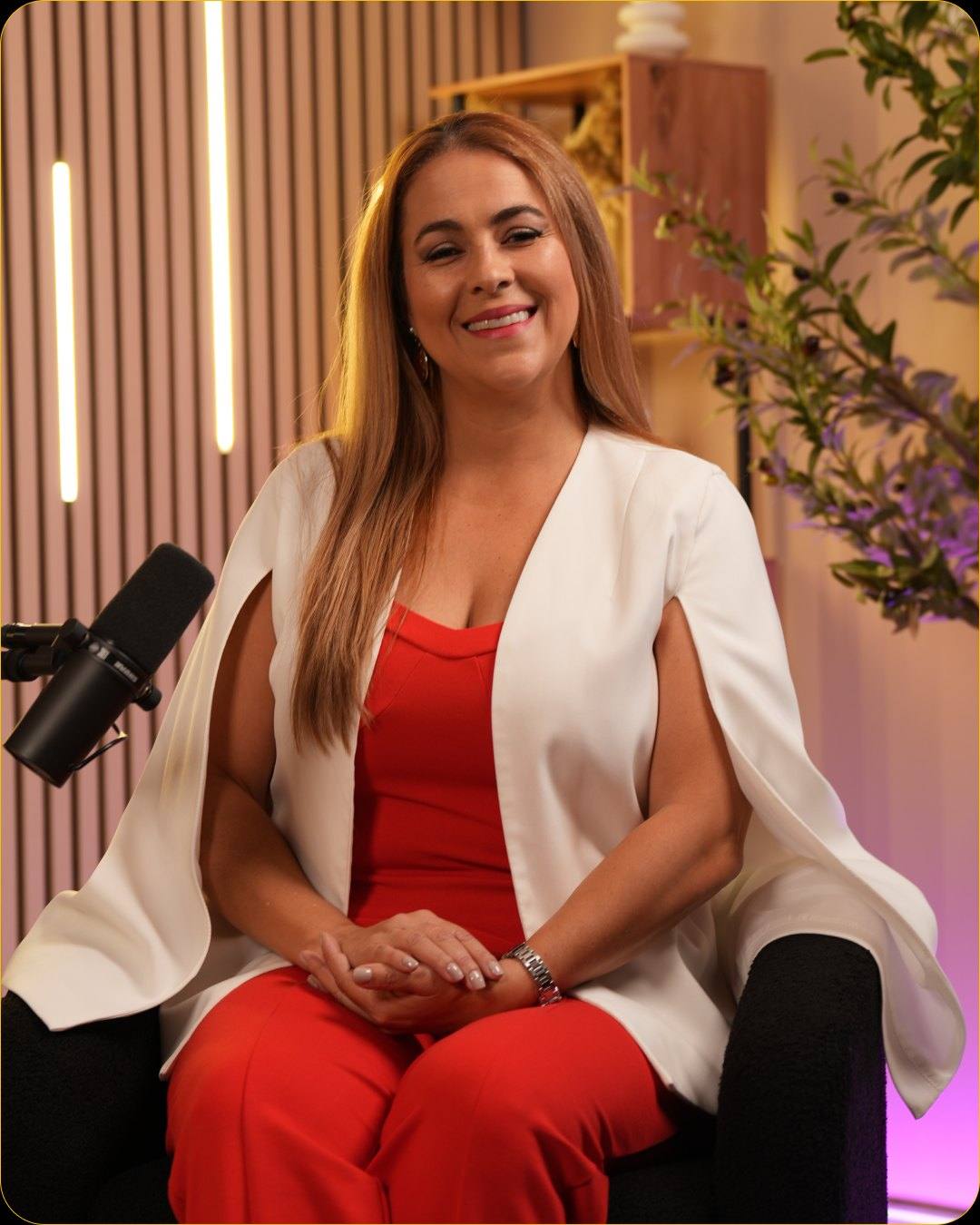
Lighting decides whether a video podcast looks like a professional show or a video call. The good news is that it follows a few dependable rules. Below: the basic setup, how to adapt it for one, two or more people, and how to avoid the problems that show up most on camera.
What does a good podcast lighting setup look like?
A good setup covers three jobs for every person and gives the set its own light. This is classic three-point lighting with a lit background:
- Key light: the main, brightest light, soft and placed to one side of the camera at roughly face height or a little above.
- Fill light: a weaker light on the other side that softens the shadows the key creates. The difference between key and fill sets the mood: a small difference looks bright and open, a bigger one looks moodier.
- Back light: a light behind and above the person that draws a thin outline on the hair and shoulders and separates them from the background.
- Background lights: lamps, LED strips or wall lights that light the set itself, so it has depth instead of falling into darkness.
How do you light one, two or more people?
Start from the same three roles and add a key light for every face. The table shows how setups grow with the number of people:
| People | Lights on people | Background | Notes |
|---|---|---|---|
| 1 | Key, fill and back light | 1 or 2 lights | Simplest setup; the key can sit beside the camera |
| 2, face to face | A key for each person, shared fill | 1 or 2 lights | Each person's key can also act as the other's back light |
| 3 or more at a table | A soft key for each speaker or a large soft source above the table | 2 lights | Check every close-up angle for shadows from neighbors |
Whatever the layout, check each camera angle on a monitor. A face that looks fine in the wide shot can be half in shadow in its close-up.
How do you make lighting soft and flattering?
Make the light source large relative to the face and keep it close: big, diffused light wraps around features and hides texture, while small, bare bulbs throw hard shadows. A softbox, a diffusion panel or light bounced off a white surface all work.
Light the face from slightly above eye level, never from straight above. Overhead light, such as ceiling lights, puts shadows under the eyes and nose. Look for small reflections of the key light in the eyes, called catchlights; they make people look alert and engaged.
What color temperature should you use?
Use one color temperature for every light in the room, and set every camera to match it. Mixed light is a common reason skin looks strange on video: daylight from a window is blue compared with a warm lamp, so a face lit by both turns two colors.
If the room has windows, either cover them or set all your lights to daylight balance. LED panels with adjustable color temperature make this easy. Background lights can be warmer or colored for mood, as long as the light on faces stays consistent.
How do you avoid glare and shine?
Move lights, not people, and control shine on skin and surfaces before you record:
- Glasses: raise the key light and move it further to the side until the reflection leaves the lenses.
- Skin: a little matte powder on the forehead and nose takes the shine off under bright lights, whatever your usual routine.
- Surfaces: glossy tables, glass and screens reflect lights straight into the lens. Angle them, cover them or move them.
- Bald heads and foreheads: lower the back light or diffuse it more if it creates a hot spot.
How do you light a podcast at home?
Use what you have first, then add one or two lights. A simple home setup:
- Turn off the overhead light, which flattens faces and puts shadows under the eyes.
- Face a window for soft key light, or place a lamp with a shade slightly to one side of the camera.
- Add a fill, such as a second lamp, a white wall or a sheet of white foam board on the other side.
- Light the background: a lamp in the frame or an LED strip behind a shelf gives depth.
- Record a test, then adjust until faces are the brightest part of the picture and nothing in the background competes.
For the set itself, our list of podcast background ideas shows how practical lights such as LED bars build depth. The rest of a home kit, from microphones to cameras, is in our podcast setup and equipment guide.
How does a studio handle lighting?
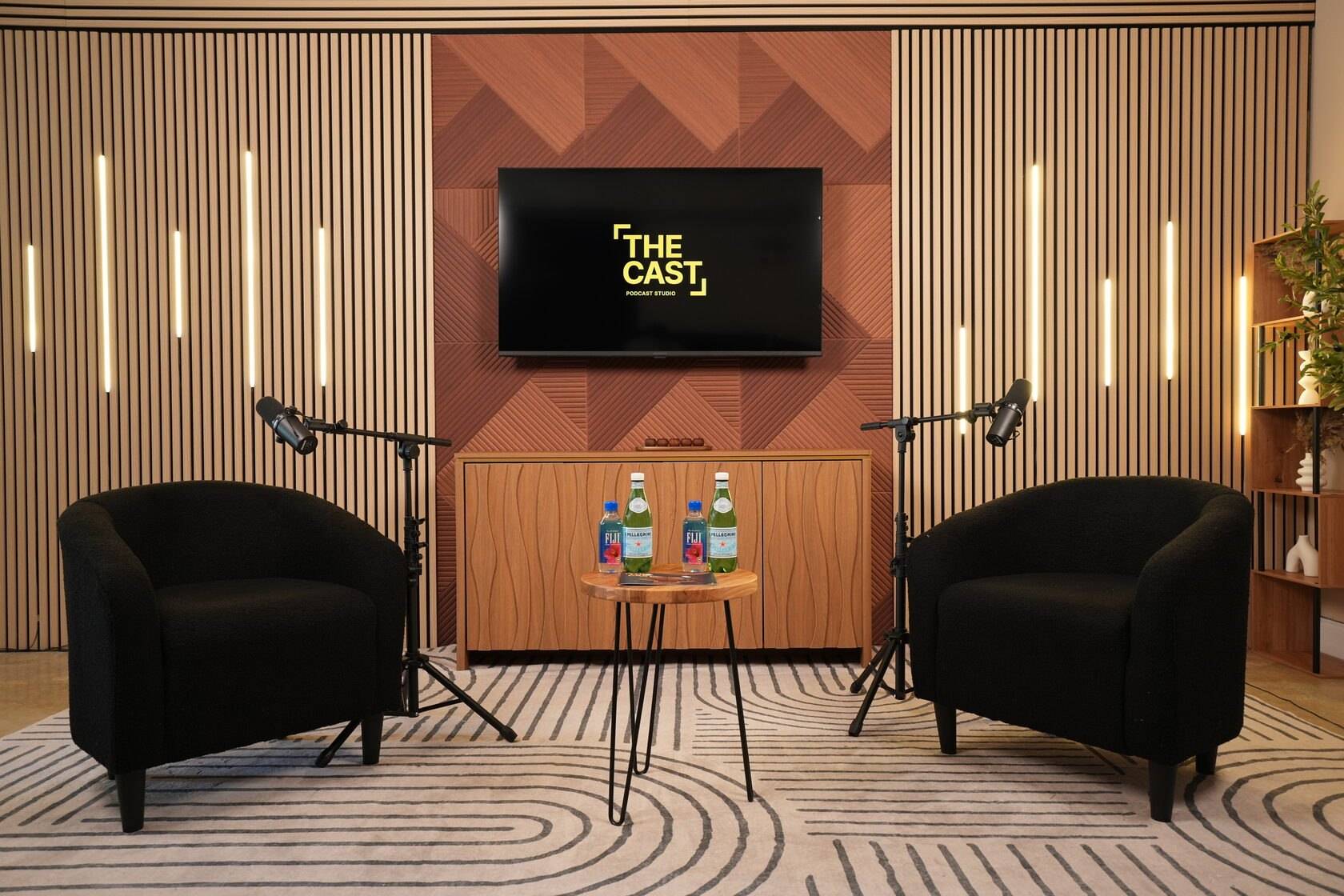
A studio supplies the lights, so there is nothing to buy or rig at home. At The Cast Studio, the lighting kit includes 3 to 5 professional studio lights and 2 background lights, and several sets have LED light bars on the wall behind the seats.
What changes is who runs it. Studio Essentials at $199 per hour comes with standard studio lighting (flattering, simple and consistent) and an on-site tech assist. With Studio Recording at $250 per hour, a full crew handles the cameras, lighting and audio for three 4K angles. The video podcast studio page lists the full equipment, and our guide to podcast camera setup covers angles and framing.
What lighting mistakes should you avoid?
Watch for these problems on podcast video:
- A bright window behind the speakers, which turns them into silhouettes.
- Ceiling lights as the only source, with dark shadows under the eyes.
- Mixed color temperatures, with one side of the face orange and the other blue.
- A dark, unlit background, so people float in black.
- Lights reflected in glasses or on a glossy table.
- Exposure set for the background, leaving faces too dark or too bright.
See how each set is lit before you book: take a free studio tour, or book a session online.
Frequently asked questions
What lighting does a video podcast need?
Each person needs a soft key light, a fill light and a back light, though lights can double up when two people sit face to face, and the set needs its own background lights so the speakers stand out from it. All lights should share one color temperature and be diffused, so faces look even and natural on camera.
How many lights do you need for a podcast?
A solo setup works with three lights on the person and one or two on the background. Two or more people need more, because every face needs its own key light. The Cast Studio's kit includes 3 to 5 professional studio lights plus 2 background lights.
How do you stop glare on glasses?
Raise the key light higher and move it further to the side, so its reflection lands outside the lenses as seen from the camera. Tilting the glasses slightly down at the temples also helps, and an anti-glare coating reduces reflections from studio lights.
Can you light a podcast with window light?
Yes, for home recordings. Face the window rather than sitting with it behind you, and add a lamp or small light behind you for separation. The catch is that daylight changes during a long recording, so the color and brightness can drift from the start of the episode to the end.
What color temperature should podcast lights be?
Pick one color temperature and use it for every light, then set the cameras' white balance to match. Daylight-balanced lights around 5600K and warmer tungsten-style light around 3200K both work; mixing them makes skin look orange on one side and blue on the other.
Written by the team at The Cast Studio, a podcast and video studio at 801 NE 2nd Ave, Ste 120, Fort Lauderdale, FL 33304. Facts and prices are checked on the date shown above. About the studio.